The team is now working on the WordPress Interactivity API. This unblocks the same UX Frontity framework enabled but directly in WordPress Core, fully compatible with the new Site Editor.
Can anyone tell me why when I try to access on homepage in frontity project i receive this?
errorStatus: 404
errorStatusText: "You have tried to access content at route: / but it does not exist"
is404: true
isError: true
isFetching: false
isReady: true
link: "/"
This is a piece of my frontity.settings.js where i set homepage and postsPage:
…
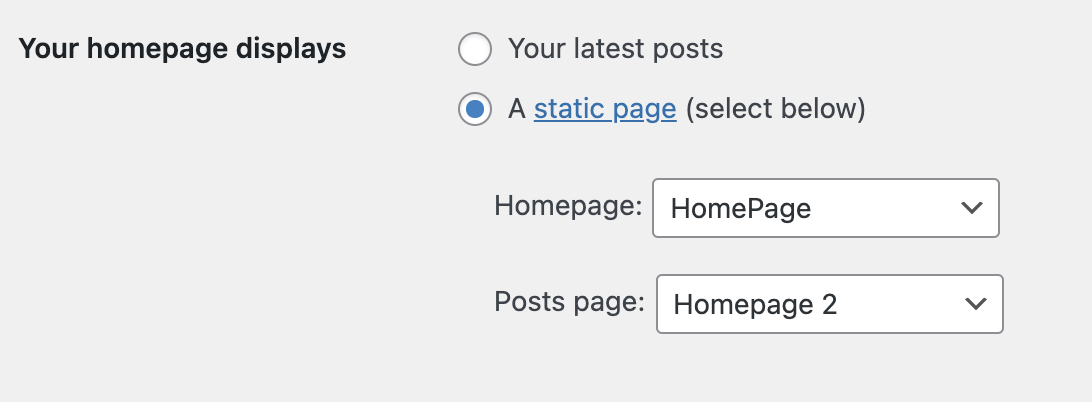
In the url I still have /wordpress (to fix before release) and I don’t want that to be the problem I reach each page from /wordpress/pageName now, but in the future it will be only /pageName. But I don’t understand why i have no problem with others go down except the one I put as home. If from the wordpress settings I set another hompage, I still go wrong.
In state.source.url I have siteName.com:portNumber/wordpress/ (portNumber is present to have in siteName.com the frontity project and in siteName.com:portNumber the wordpress installation)
codemonkeynorth5
Try it like this and see if that works (from another discussion)
// Other props/packages were removed to simplify the code.
const settings = {
  name: "codesandbox-frontity",
  state: {
    frontity: {
      // The `/wordpress` subdirectory should be included in the Frontity URL.
      url: "http://sitename.com/wordpress",
    }
  },
  packages: [
    {
      name: "@frontity/wp-source",
      state: {
        source: {
          url: "http://sitename.com/wordpress",
          subdirectory: "/wordpress",
          homepage: "homepage"
        }
      }
    }
  ]
};

export default settings;
simone.tissi6
it works! thank you!
Can you send me the link of that discussion?
Other little question: is there any way to change the initial link of frontity?