The team is now working on the WordPress Interactivity API. This unblocks the same UX Frontity framework enabled but directly in WordPress Core, fully compatible with the new Site Editor.
I want to ship my code for production guys help… HOW TO WRAP FRONTITY IN AUTH0???
mburridge5
Hi @furrysmile2
I’m not sure that you’ve given me enough information to fully understand the issue that you’re having. Do you have a repo that I can clone? Having access to your code will help me see the code snippets you provide in context and allow me to try out some theories and/or experiments.
furrysmile26
Hey thanks for the response, my issue is very simple.
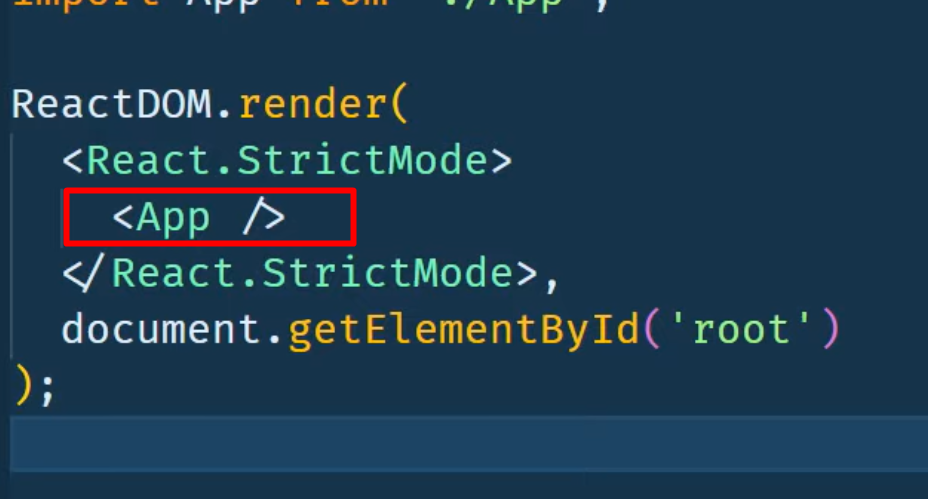
I would like to add Auth0 component tag (root level) and put complete Frontity inside this tag.
I just realized I added wrong screenshot of class “root”.
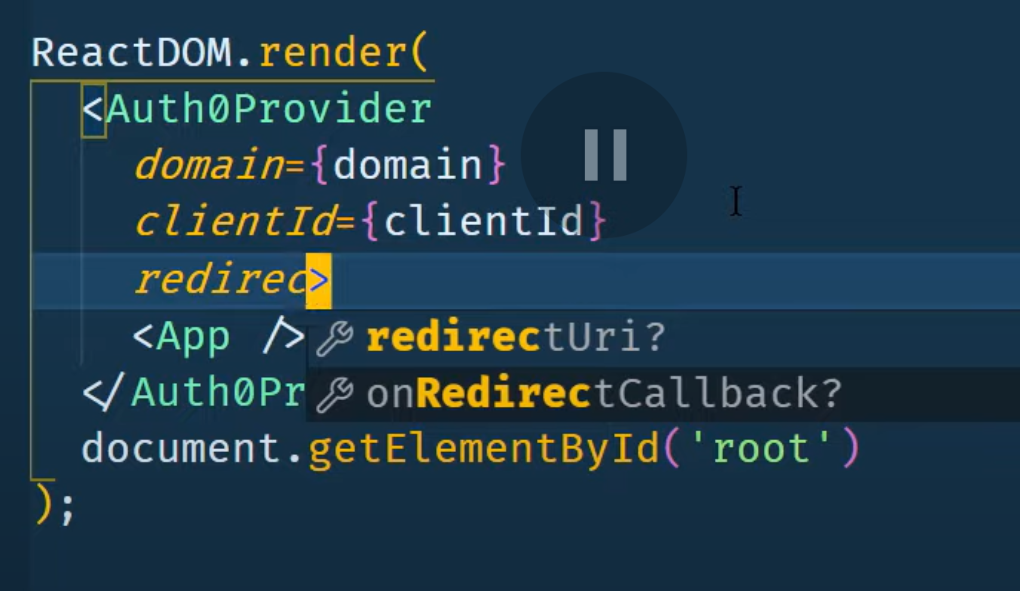
I have wrapped Frontity index.js in Auth0Provider component but where is the frontity component which return’s and theme’s index.js…
To Reproduce the error:
Just install import { Auth0Provider, useAuth0 } from “@auth0/auth0-react”;
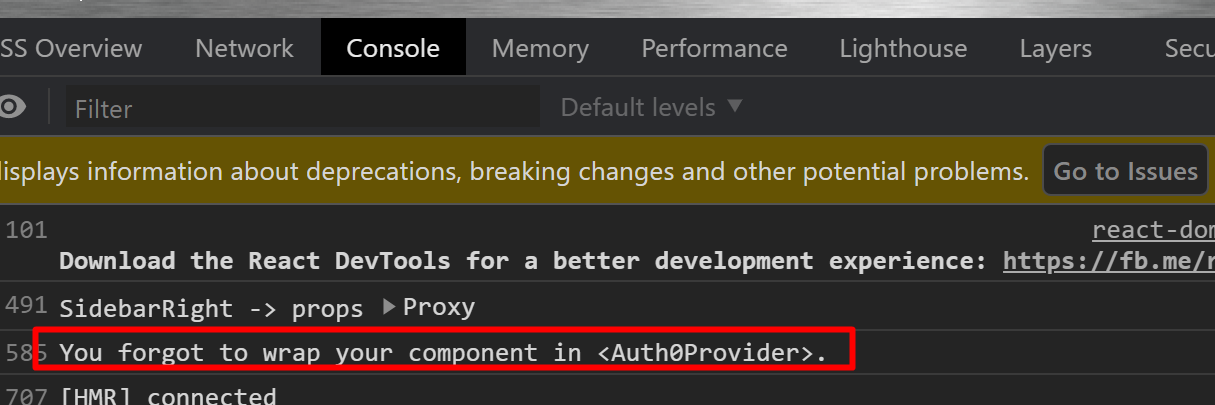
go to Mars theme index.js file, wrap all your components with Auth0Provider with domain, clientid, redirectUri and check console for this error:
But I’m not able to reproduce the error. I don’t get the error message "You forgot to wrap your component in <Auth0Provider> and my Frontity app continues working normally.
A repo would be helpful to see what else you might be doing in your code.
furrysmile210
If you are not getting that error can I see your repo? I will fix it
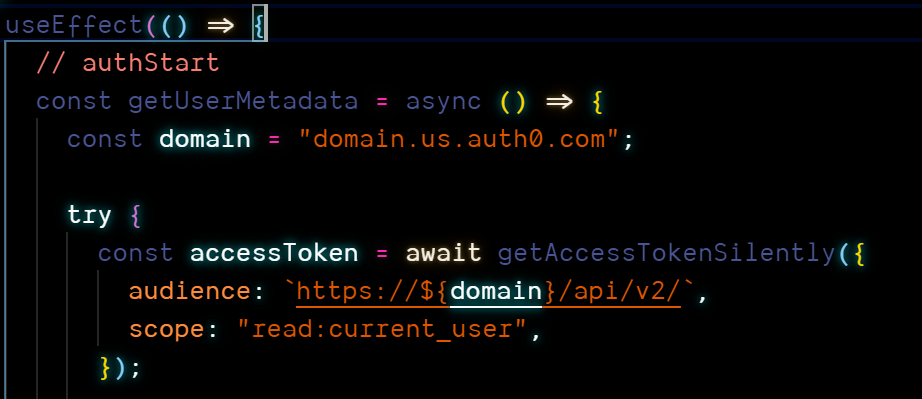
I guess you know this already but you’re getting the error because the try statement is failing and the catch is being executed instead. This will obviously fail with the domain test.frontity.org because the requested data is not being returned.
I think you need to figure out how your server is responding to these authentication requests.
BTW, and I’m guessing this is just an error in the PR you submitted, but you’ve set:
Even if you fix that, you’ll still get the "You forgot to wrap your component in <Auth0Provider>, which is what I’m trying to fix
mburridge15
No worries, I guessed that that was the case.
I think you’re going to have to figure out why the try is failing. The Frontity site appears to continue to work normally even with the <Auth0Provider> component so I don’t think it’s a Frontity problem. You will need to test what responses you’re getting back from the server in the fetch requests in the try statement, and you may need to read the @auth0/auth0-react documentation to understand what getAccessTokenSilently is doing.
There’s a number of things going on in the try statement so I guess you’ll need to figure out which part is causing the whole try to fail and the catch to execute.
Sorry I’m not able to help you further.
furrysmile216
can you delete this post please
Pablo17
We prefer to leave the posts available so other community members can find them if they encounter a similar problem.
In any case, if there’s any specific information you want to remove, feel free to edit your posts.