The team is now working on the WordPress Interactivity API. This unblocks the same UX Frontity framework enabled but directly in WordPress Core, fully compatible with the new Site Editor.
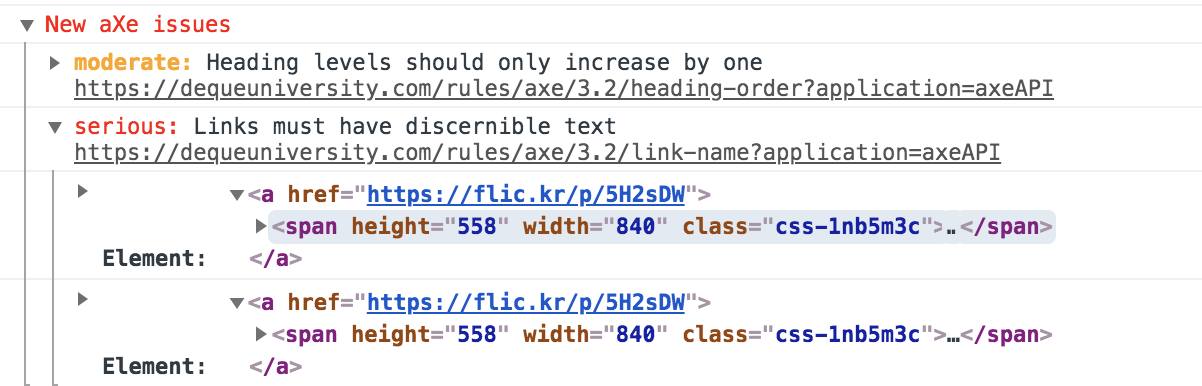
It’s smarter because it looks at the DOM. This is important because many accessibility issues exist at the intersection of the DOM and the CSS and unless you have a fully rendered DOM.
There’s a great Chrome extension that does pretty much the same although it is opt-in (you need to open its tab and click analyze, whereas with react-axe the warnings always appear in the console).
The questions here are:
Should we only have instructions on how to install jsx-a11y or add it by default?
Should we only have instructions on how to install the aXe extension or add react-axe by default?
If added, should they be opt-in or opt-out?
1 Like
luisherranz2
Of course more ideas on how to help/ensure accessibility on Frontity themes are welcomed
chrys31363
I’m embarking on my first Frontity project to redevelop an existing WordPress site with and am excited at the potential! I wonder if eslint, eslint-plugin-jsx-ally and react-axe are included by default as you suggested they might be? If not, can I ask for your guidance in configuring them in my project? I followed the Frontity tutorial for setting up a theme and the Frontity tutorial for retrieving a wp menu. Now, as I start to develop, I want to ensure that menu will be accessible. Looking at the eslint-plugin-jsx-ally repo page, they recommend installing plugins and then including plugins in a .eslintrc configuration file. Can I just add an .eslintrc file to my theme folder? I am using Atom as my IDE… do you know if I need certain packages installed there too? Please forgive my ignorance, I am new to React as well as Frontity.
luisherranz4
hi @chrys3136
I think you should be able to configure both just fine.
The eslint plugin has nothing to do with Frontity so you can just go ahead and install it.
react-axe is a bit different, but I think you can create a new Frontity package (npx frontity create-package) and add it to the init action (actions.yourPackageName.init), like this: